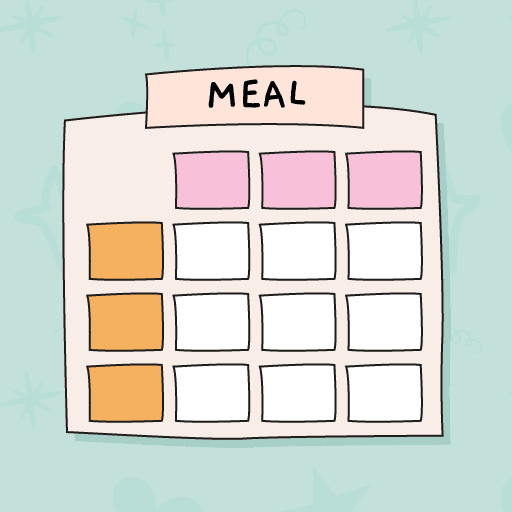
Create your shopping list from your menu
Plan your meals for the week and easily add the ingredients you need to your list. Organize them by categories, mark what you've already purchased and add products whenever you want.




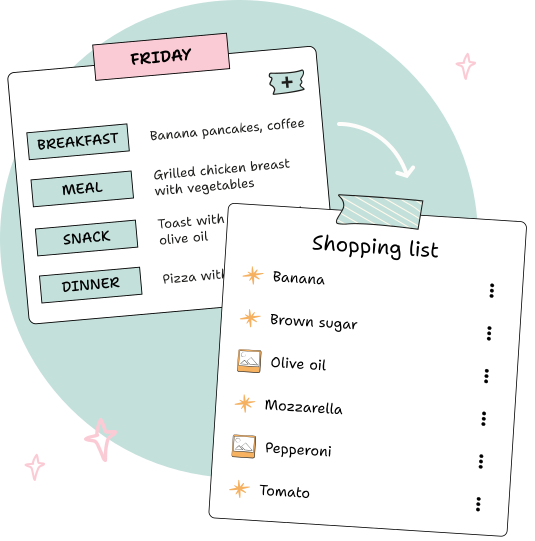
Add your menu ingredients
Add to your list the ingredients of the recipes you have planned for the week. You can also find recipes and ingredients in the Suggested section and add them directly, or add any products by hand when you need it.
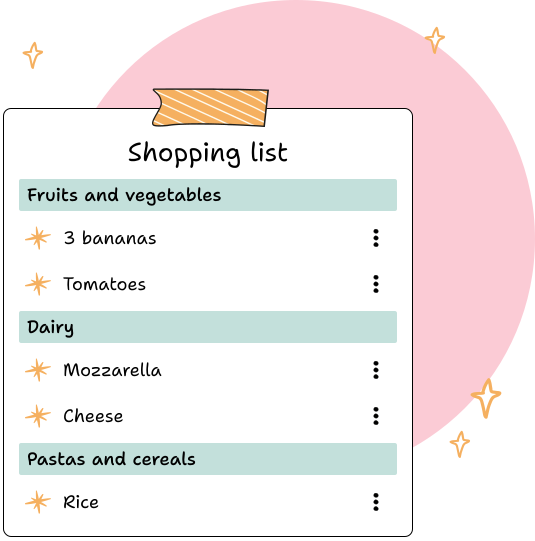
Organize your list by categories
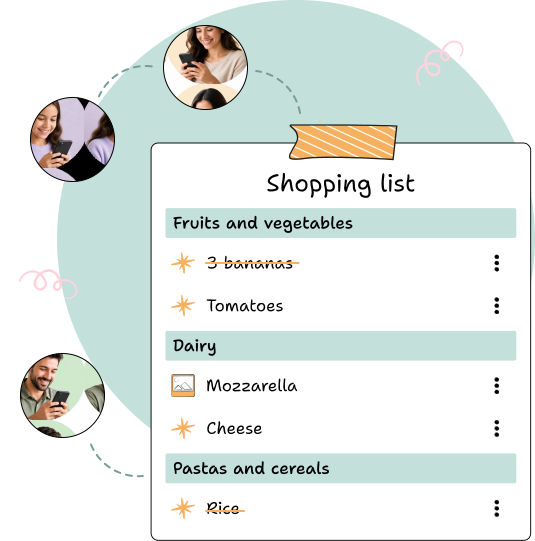
Find your products organized by categories such as fruits and vegetables, meats and fish, dairy products, pantry and more. This way you can quickly check your list while shopping.
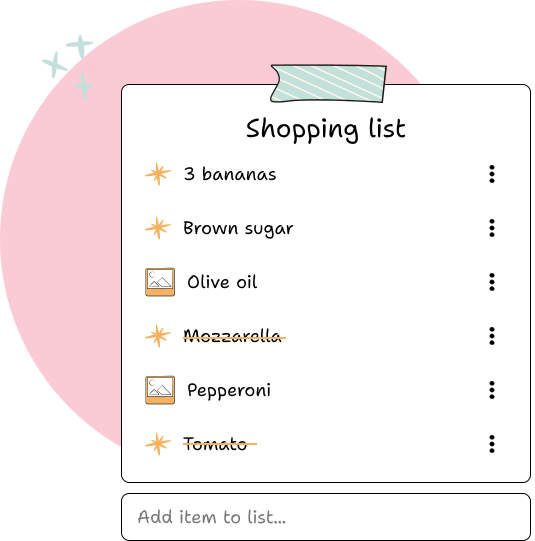
Customize your list and mark what you buy
Add any product you need, add a photo to easily identify it, and adapt the list to what you really need. While shopping, check off the products you've already purchased so you know what you're missing.
Share your shopping list
Share your list with your family or whoever does the shopping. Everyone can check and update the list to know what is missing and what is already purchased.
Frequently asked questions
Can I use the list without making a menu?
Yes. You can add products to the list manually, even if you don't have a planned weekly menu.
How can I add products to the list?
You can add ingredients to recipes on your menu, search for recipes and ingredients in the Suggested section, or add any product manually.
Can I organize the list by categories?
Yes. Products are organized by categories so you can easily find fruits and vegetables, meats and fish, dairy, pantry and other products while you shop.
Can I add a photo to a product?
Yes. You can add a photo to the products on your list to easily identify them while shopping.
Can I share the shopping list?
Yes. You can share your list with others so they can review and update it while they shop.