Save your recipes easily with AI
Paste a recipe link from Instagram, TikTok, YouTube, Pinterest or a website and let the AI extract the ingredients and steps. You can also save recipes from a photo or add them by hand.




Import recipes from your favorite sites
Share the link from Instagram, TikTok, YouTube, Pinterest or any recipe website, or paste it directly to YouMealPlan. The AI analyzes the content and extracts the ingredients and steps of the recipe so you can save it.
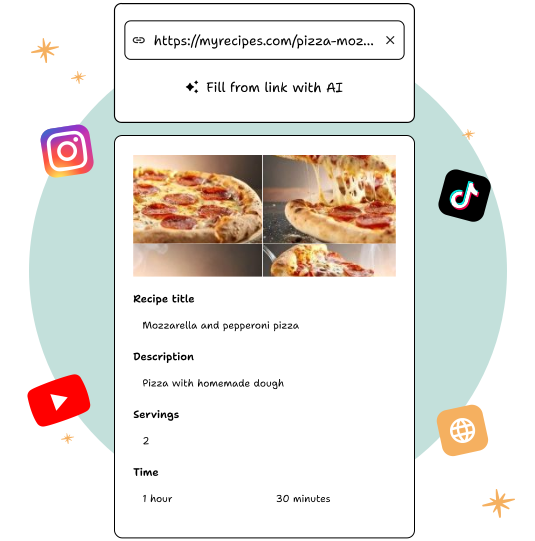
Review and edit your recipes before saving them
The AI prepares the recipe for you, but you decide what to save. Review ingredients and steps, change quantities, delete what you don't need, or add your own notes before saving the recipe.
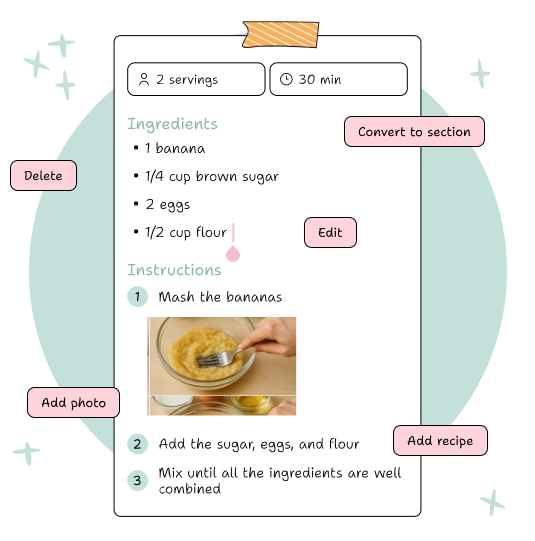
Add recipes from a photo or by hand
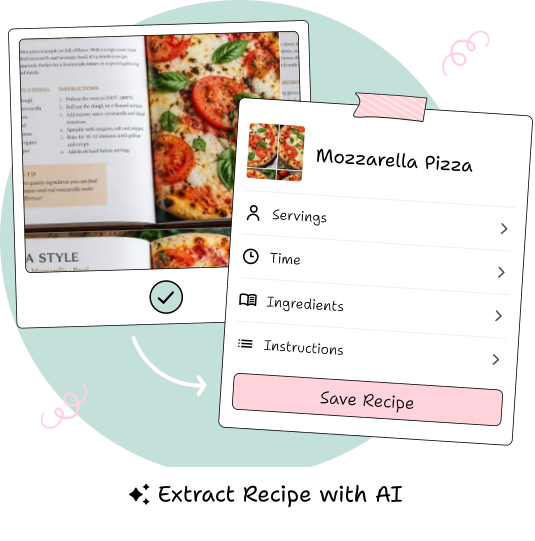
Take a photo of a recipe from a book, magazine, or notebook and let AI turn it into an editable recipe. You can also create it from scratch and write the ingredients and steps yourself.
Use your recipes to plan and shop
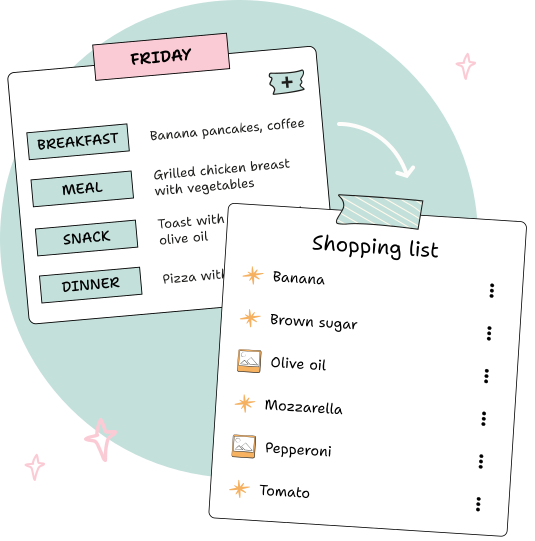
Add your recipes to the weekly menu and organize your meals with them. When you want to shop, easily add the ingredients you need for your week's recipes to your list.
Frequently asked questions
What links does it support?
Posts and videos by Instagram, TikTok, YouTube and Pinterest, and recipe websites.
What if the AI is wrong?
You review the recipe before saving it and can edit any ingredients or steps. The AI is more accurate when the publication includes the written recipe.
Is the video saved?
The extracted recipe and the original link are saved; The video is still on its platform.
How many recipes can I import?
There is a free daily quota of AI imports and an optional subscription to extend it. Saving recipes at hand has no limit.
Can I share my recipes?
Yes, each recipe has a link to share it with whoever you want, whether they have the app or not.