Weekly Menu Planner: Organize your meals in minutes
Organize your meals for the entire week from a single screen. Add your recipes, adjust portions and automatically generate your shopping list.




Plan your weekly menu
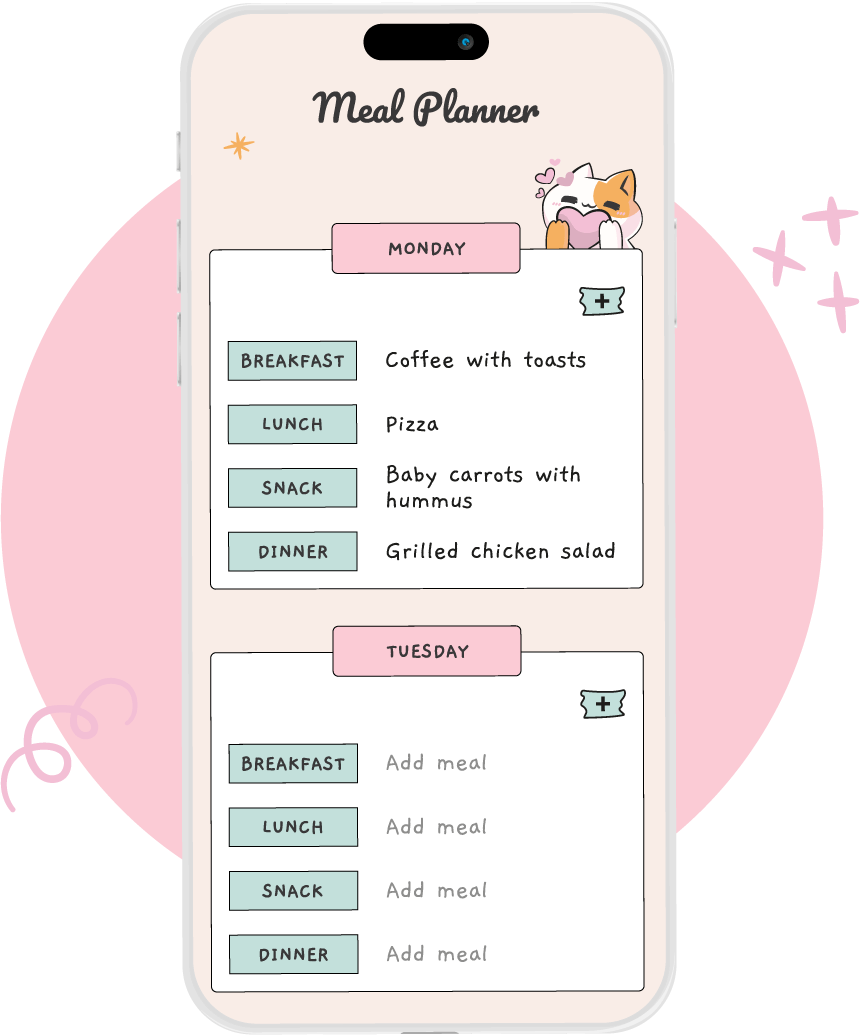
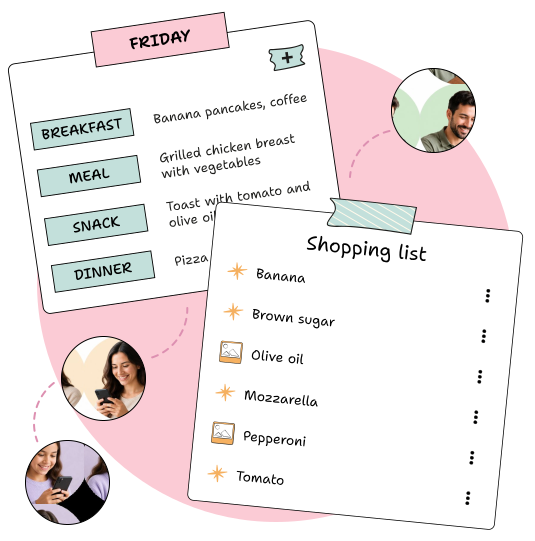
Organize breakfasts, lunches, dinners and snacks from Monday to Sunday on a single screen. Plan each day with your favorite recipes, adapt the menu as you go, and reuse menus you already know work.
Add your recipes
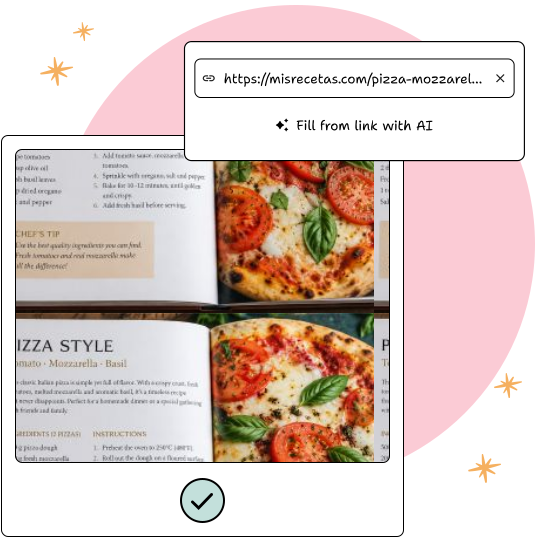
Save your own recipes by taking a photo or import them from Instagram, TikTok, YouTube, Pinterest or a website. AI extracts ingredients and steps so you can review, edit, and add them to your weekly menu.
Check the nutritional information
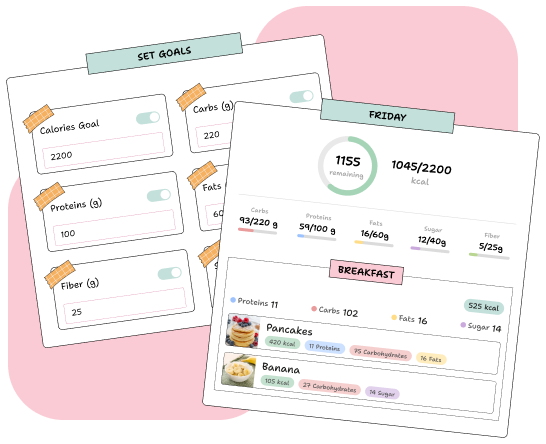
Indicate how many people are going to eat and adjust the portions without doing the math. You can also check the calories and macronutrients for each day to find out the nutritional information for your menu.
Generate your shopping list
When you finish planning the menu, YouMealPlan gathers the ingredients for all your recipes and automatically creates your shopping list. Ingredients are grouped so you can easily find what you need and can check off what you already have.
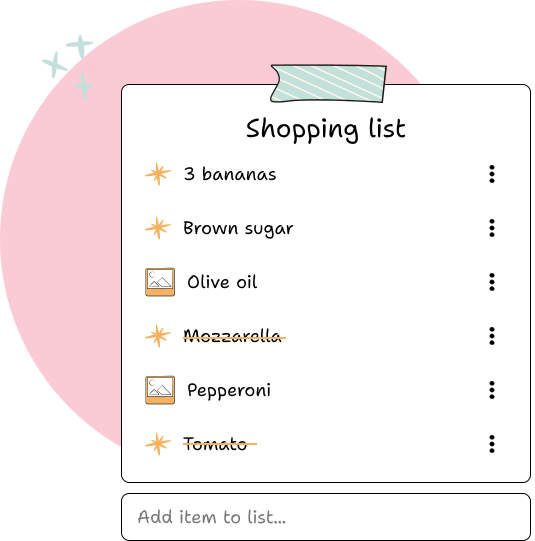
Share your menu and shopping list
Share the menu and shopping list with your partner or family to organize the week's meals together and know what they need to buy.
Frequently asked questions
Is it free?
Yes. It’s free to download the app and plan your meals. Features that use artificial intelligence come with a free daily quota; if you need more, there’s an optional subscription.
What devices does it work on?
iPhone and iPad, Android, macOS, Windows and web browser. The same account is synchronized in all.
Can I share the menu with my partner or family?
Yes. The menu and shopping list are shared and any changes appear on all devices.
Do I have to write the recipes by hand?
No. You can take a photo of a recipe or paste a link from Instagram, TikTok, YouTube, Pinterest or a website, and the AI extracts ingredients and steps for you to review.
Does it count calories?
Only if you want. Each recipe can have calories and macros, estimated by the AI or written by you, and the menu shows the total for each day.